ALL ALTERNATIVES / CHROMEThravik vs Chrome.
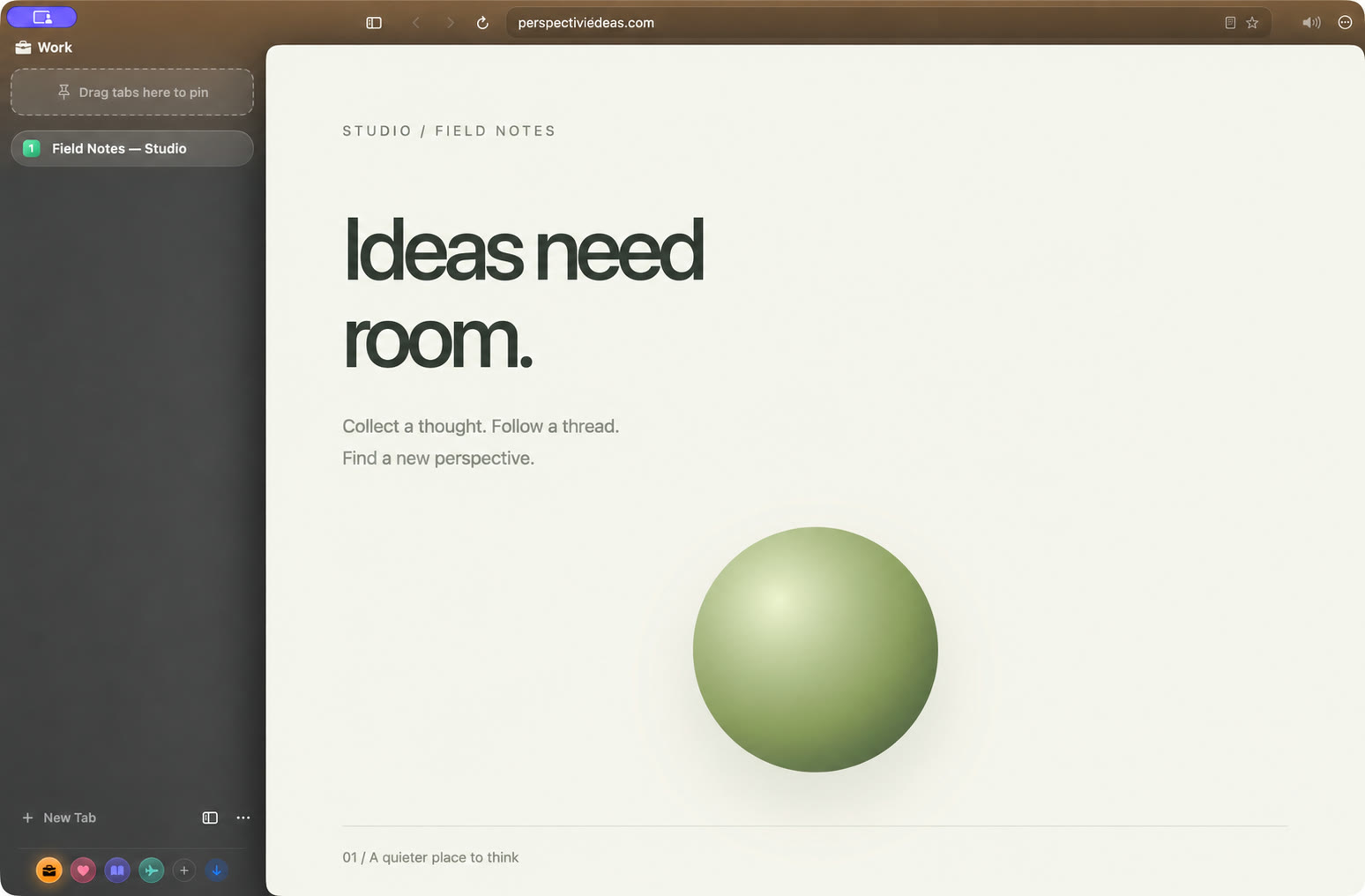
A Chrome alternative that feels at home on your Mac.
Choose Thravik when native Mac design, system WebKit, and built-in authenticator tools matter more than a cross-platform Chromium ecosystem.
Try Thravik for MacBrowser foundations and workflow| What matters | Thravik | Chrome |
|---|
| Browser engine | System WebKit | Chromium / Blink |
|---|
| Primary approach | Native Mac browsing, Spaces, flexible tabs | Cross-platform browsing and Google ecosystem |
|---|
| Why consider it | Glass interface, hibernation, integrated authenticator | Choose for the ecosystem and workflow described below |
|---|
Less ceremony.
More browsing.
- A native Swift interface with real glass controls.
- System WebKit, without bundling Chromium.
- Spaces plus vertical or horizontal tabs.
- Configurable background tab hibernation.
- Passwords and authenticator seeds in macOS Keychain.
- Local imports from supported browser profiles.
WHEN CHROME FITSKeep what works
for you.
Chrome is a strong choice for cross-platform browsing, Google integration, and Chrome Web Store extensions. Its Memory Saver also deactivates inactive tabs.
Thravik currently targets macOS 26+. WebKit does not guarantee Chrome extension compatibility. Check the sites and tools you depend on before moving your daily workflow.
Chrome Memory Saver documentationComparison reviewed October 3, 2026. No speed or battery superiority is claimed.
Bring your bookmarks.
Keep your momentum.
Thravik reads supported local profiles to import history, bookmarks, and saved passwords. Review the import options in the app; availability depends on your source browser.
Your Mac deserves
a little breathing room.
Get Thravik for MacmacOS 26 or later · Release details and installation on GitHub