01
Not another Chromium browser.
Thravik is a Swift app on the WebKit that already ships with macOS. No browser engine inside the download.
 Thravik
Download
Native browser for Mac · System WebKit · Not Chromium
A native WebKit browser for Mac with private on-device Memory, separate Spaces and Split View.
macOS 26 or later


01
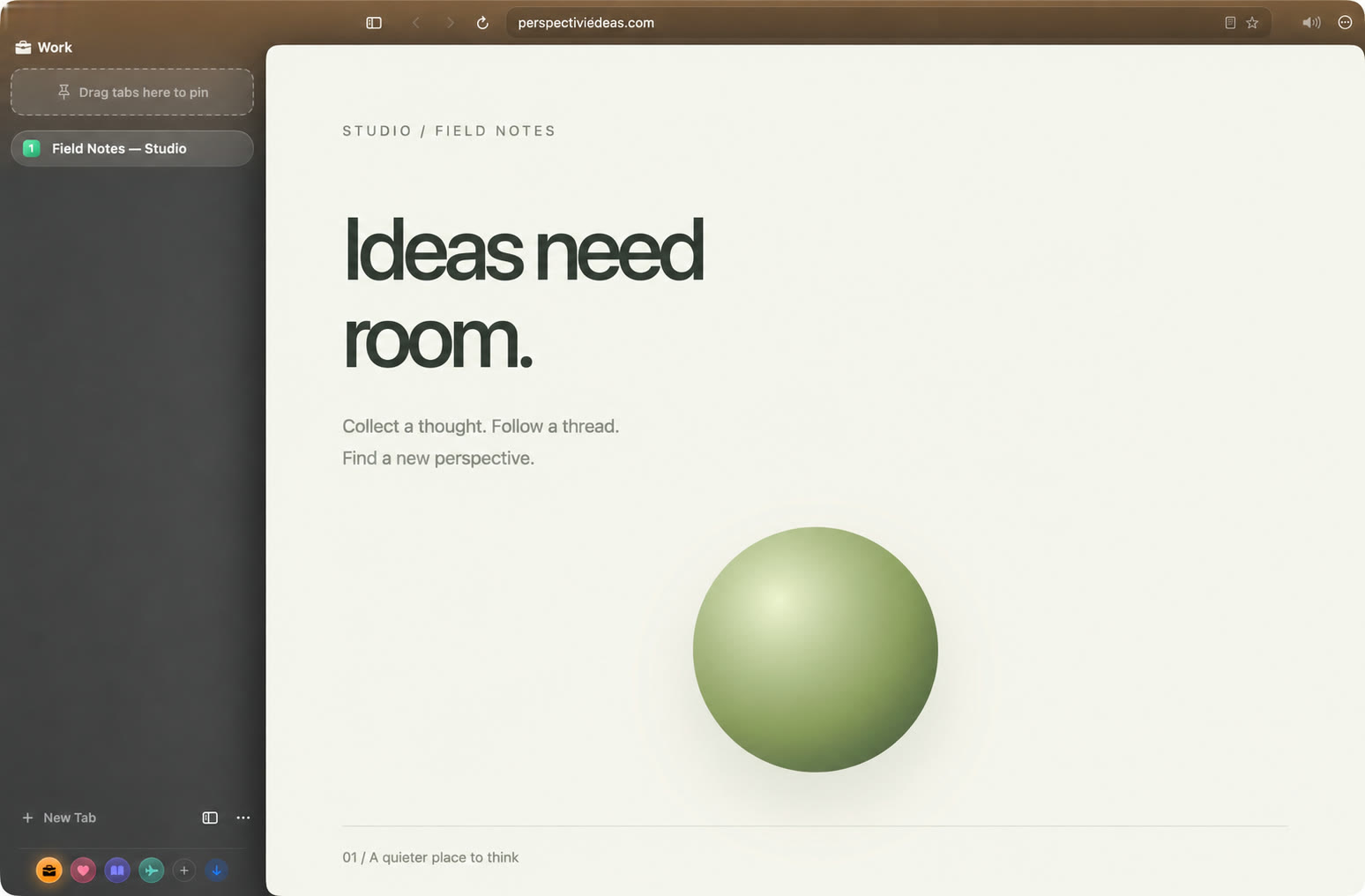
Thravik is a Swift app on the WebKit that already ships with macOS. No browser engine inside the download.
02
Idle tabs hibernate and wake where you left them. The chrome gets out of the page’s way.
03
Ask for a page you read last week. The answer comes from your Mac, with the page it came from.
New in Thravik
Link Preview
⇧-click a link and the page opens in a floating glass panel over the one you’re reading. Keep it as a tab, or let it go.
Checkout
Cards stay in the Keychain on this Mac, fill after Touch ID, and the security code is never stored.
Security
Every http site is tried over HTTPS. When a page is still not secure, a compact warning says so.
Notifications
Sites you allow post to Notification Center. A click takes you to the tab.
Sync
Optional and off until you switch it on. Passwords, bookmarks and workspace already sync the same way.
Also new: reopen a closed window with ⌥⇧⌘T, zoom remembered per site, a strong password generator, share or save a page as PDF or web archive, and import from Safari, Firefox and password CSV files.
Private Memory
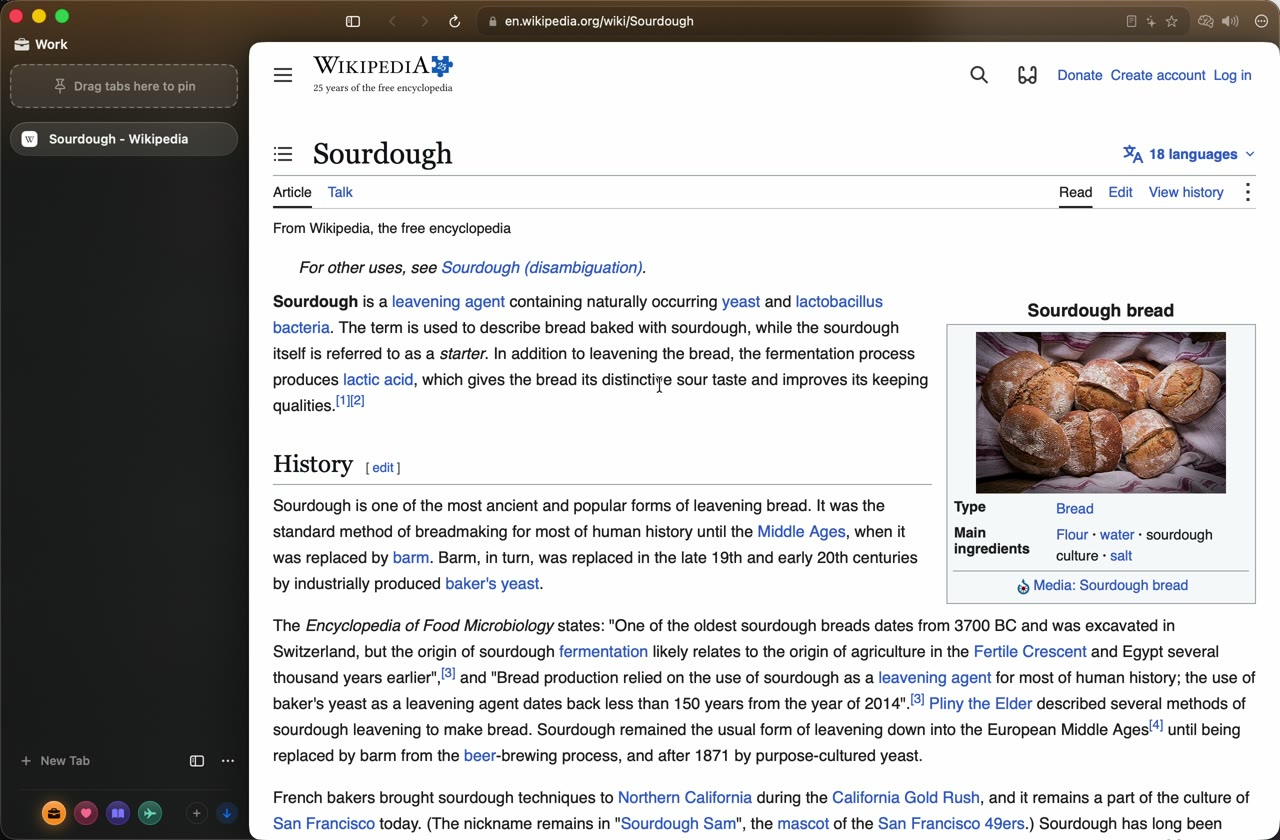
Read a page. Days later, describe it the way it stuck with you. Thravik finds it and shows you where it came from.
Remember…Also works in Italian: Ricorda…
Local
Page text is encrypted with AES-256-GCM. The key lives in your Keychain, is device-only, and is never synced.
Private
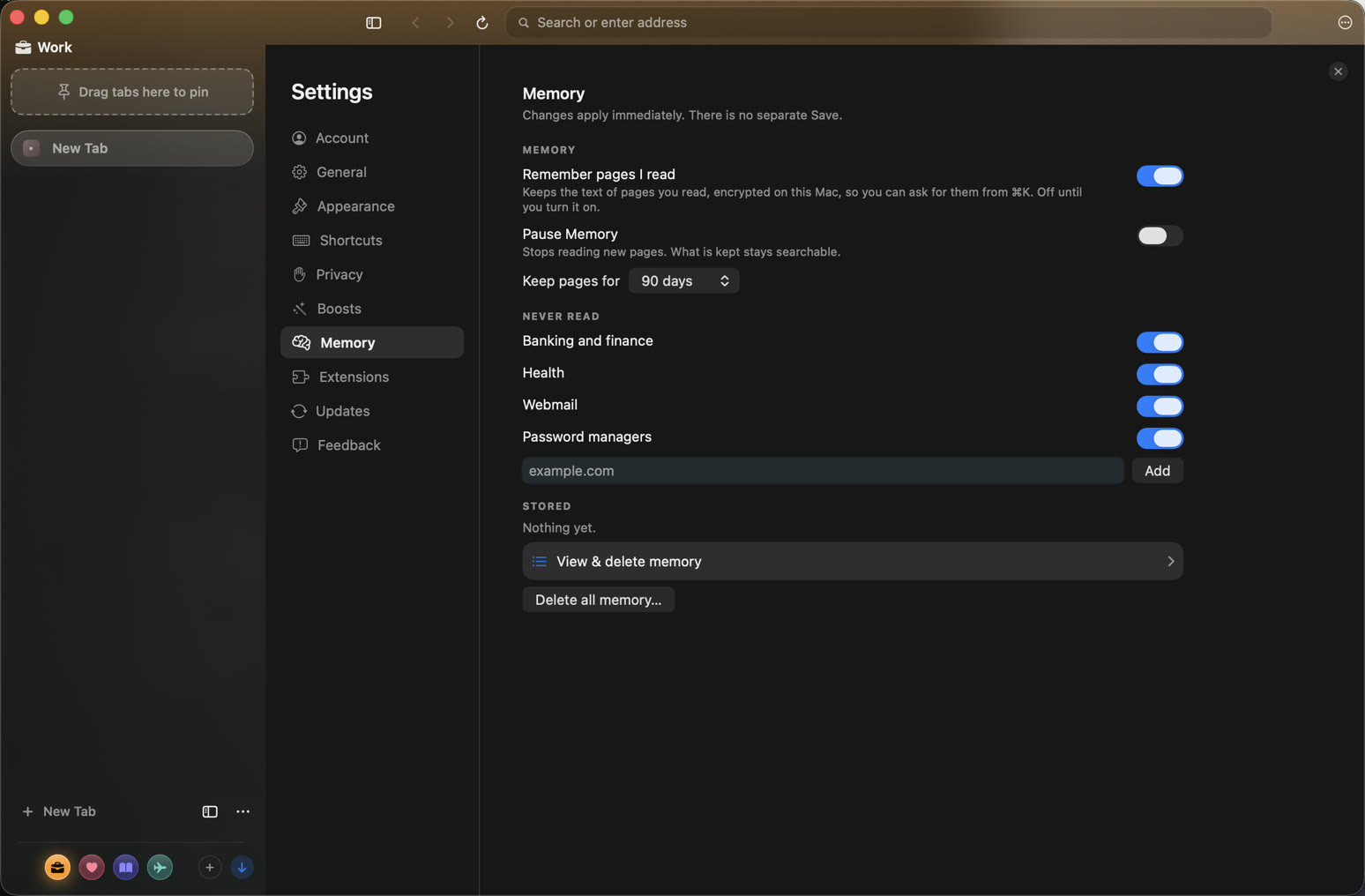
Never private or temporary tabs, banking, health, webmail or password-manager sites, or any page with a password field. You can add more sites.
On your Mac
With Apple Intelligence available, the answer is written on your Mac. Without it, you get the matching pages. Kept 90 days by default; review or delete all of it any time.
Command Bar
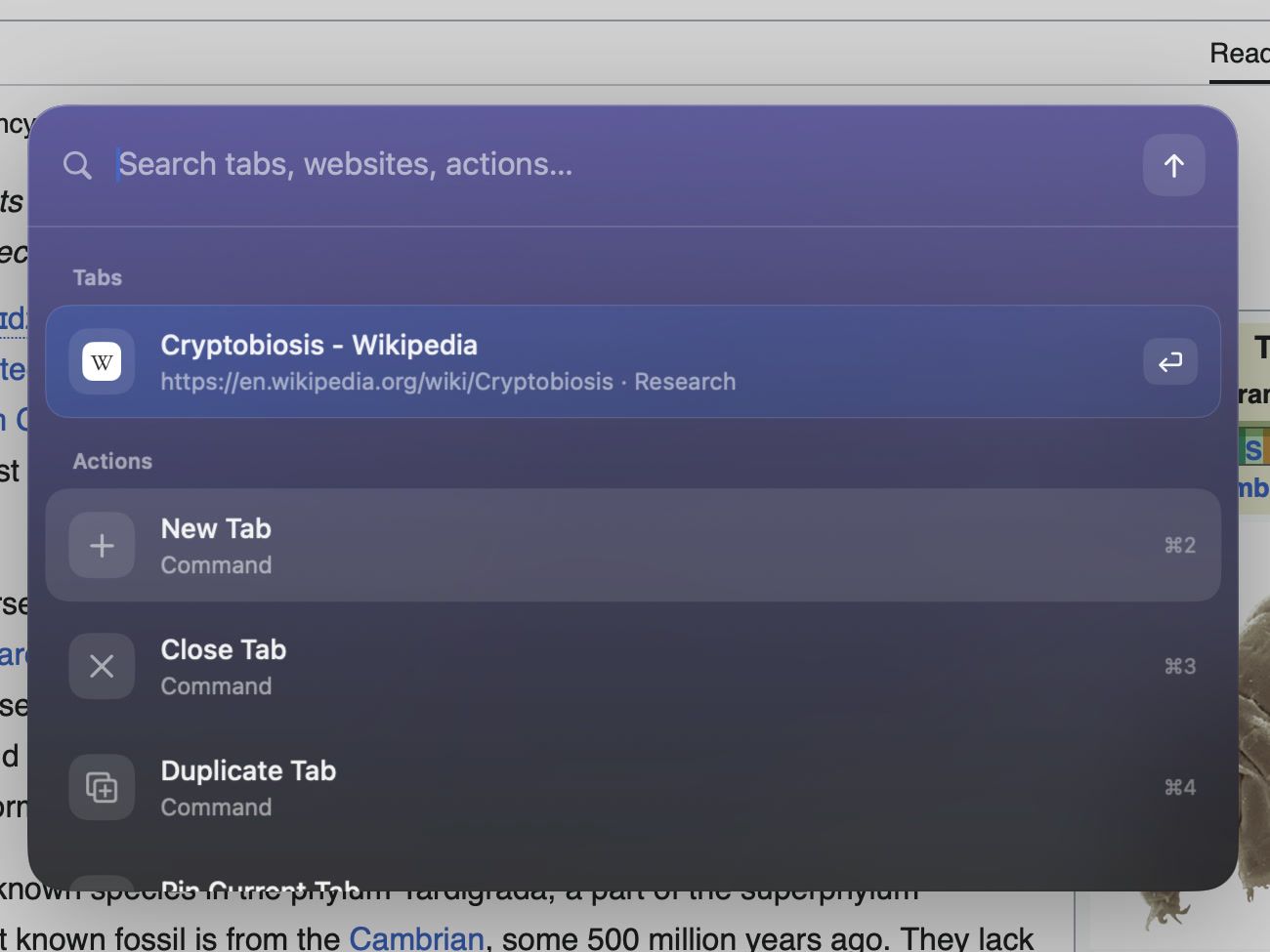
Jump to any tab in the current Space, open a website, run a command, switch Spaces, bring an archived tab back, or ask Memory. All from the keyboard, without moving your eyes.
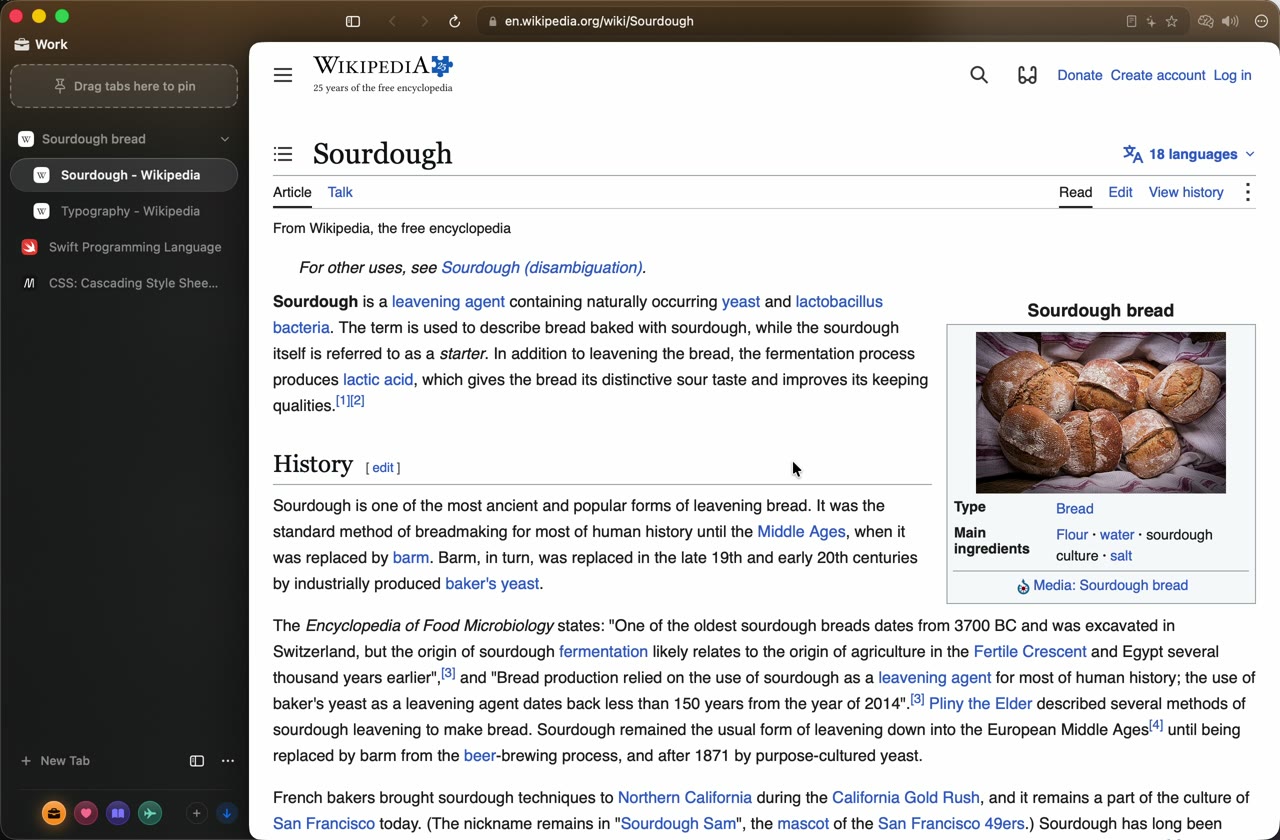
Spaces
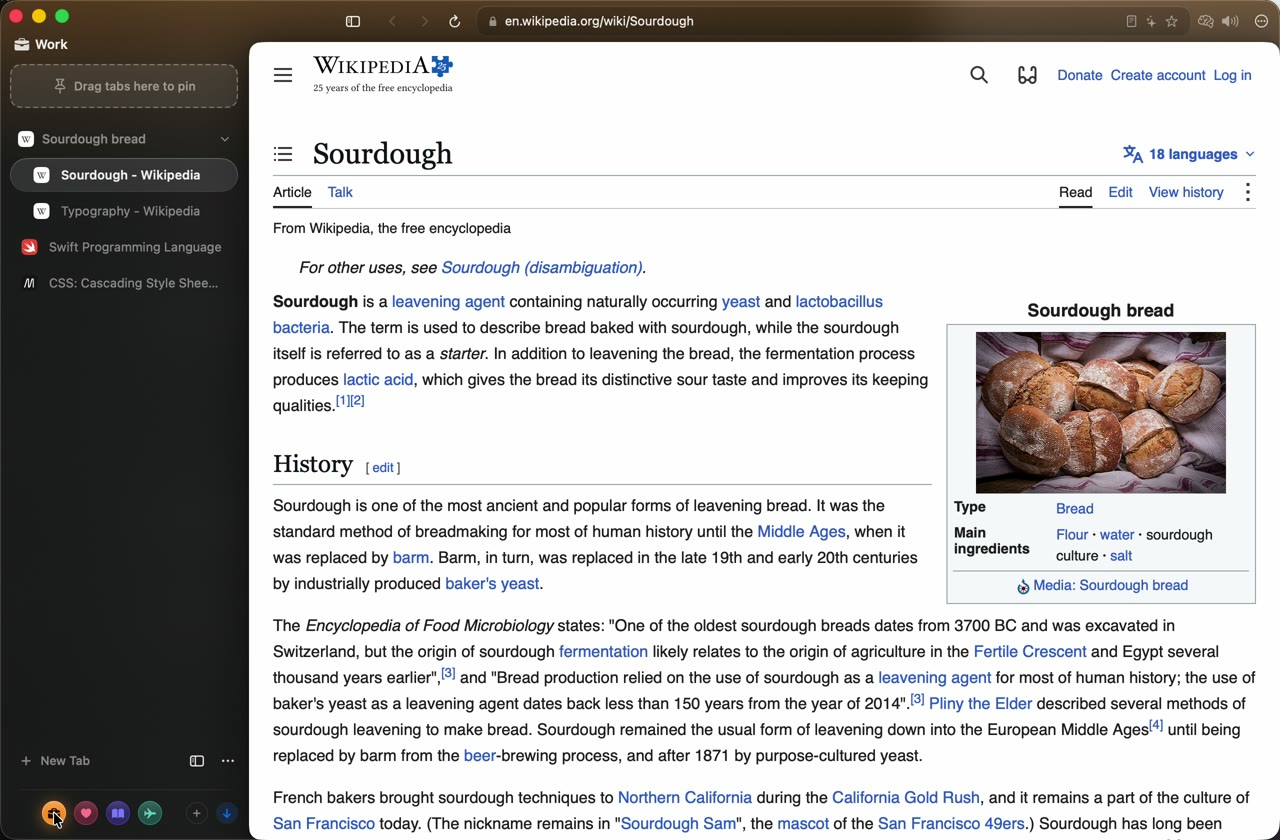
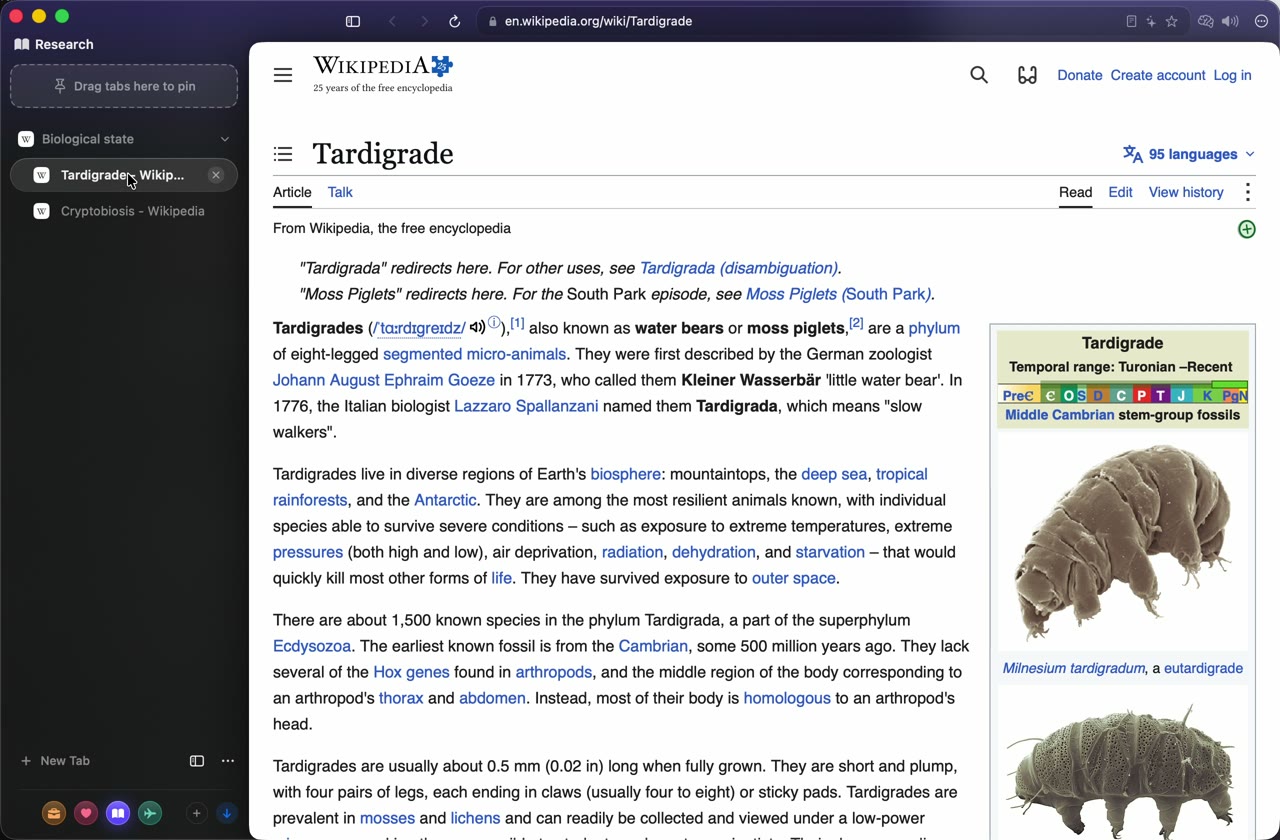
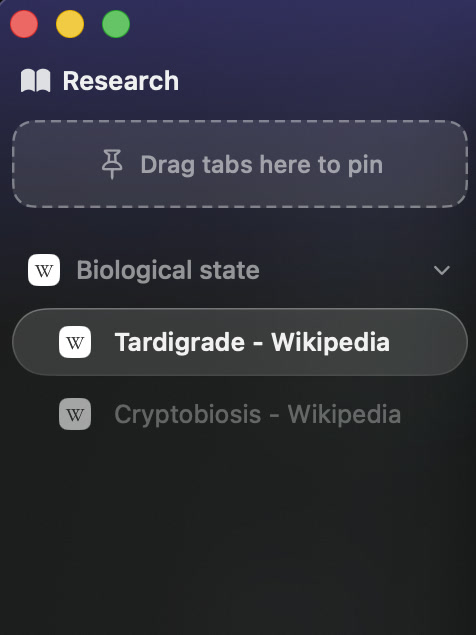
Work, Personal, Research, Travel, or your own. Each Space keeps its tabs, its pinned pages, its colour, and its own cookies and logins. Switch, and the whole browser follows.
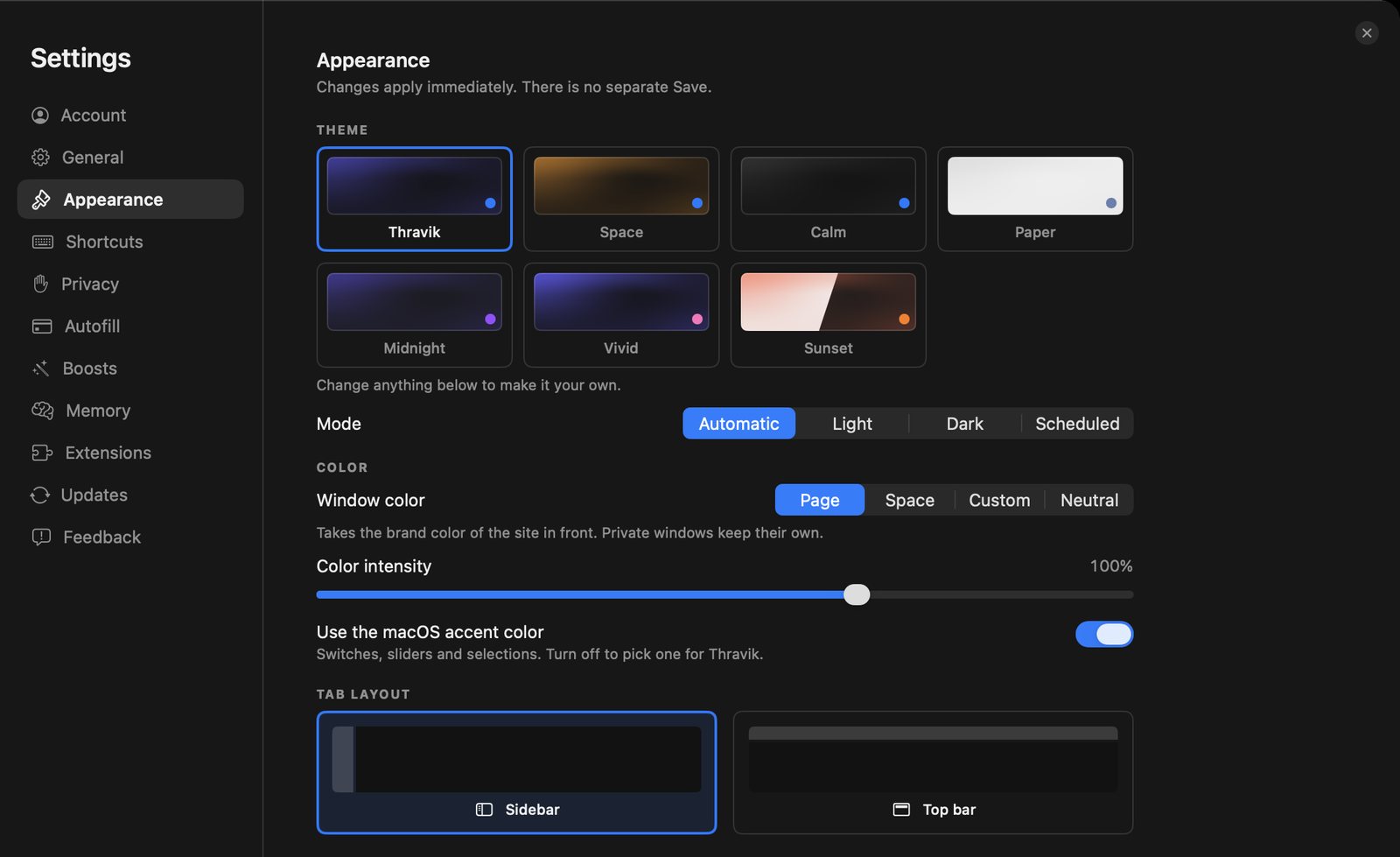
Four starter Spaces ship in the box. Make your own with a colour, an icon, vividness and grain, then pick a theme for the whole window in Settings → Appearance.
Split View
Read the source beside the notes. Compare two pages. ⌘⇧D pairs the page with its neighbouring tab; panes resize.
Native Mac
Built with the technologies that make macOS feel like macOS: Swift, SwiftUI with real Liquid Glass, and the WebKit engine already on your Mac.
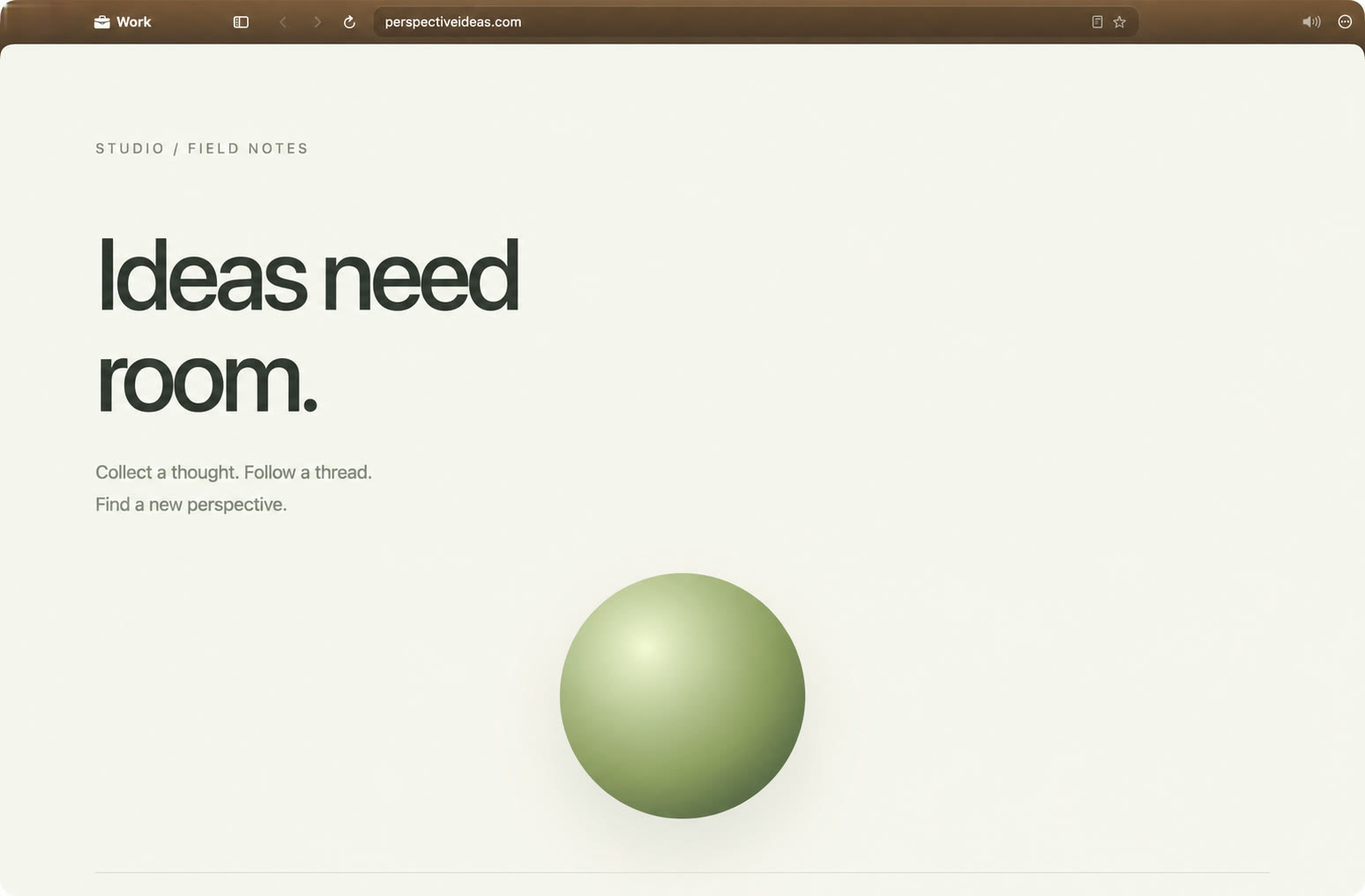

Tabs in a sidebar, Spaces in a dock. ⌘B tucks it away.

For power users
Offered on submit, filled on request, matched by registrable domain so a look-alike host never sees your credentials. Autofill never submits the form for you. New sign-ups get a strong generated password. Import from Chrome, Dia, Arc, Brave, Edge, Vivaldi, Comet, or a password CSV.
A built-in authenticator. When a page asks for a code, a glass capsule shows it live with a countdown; one press fills it. Import your Google Authenticator export by QR, image or clipboard.
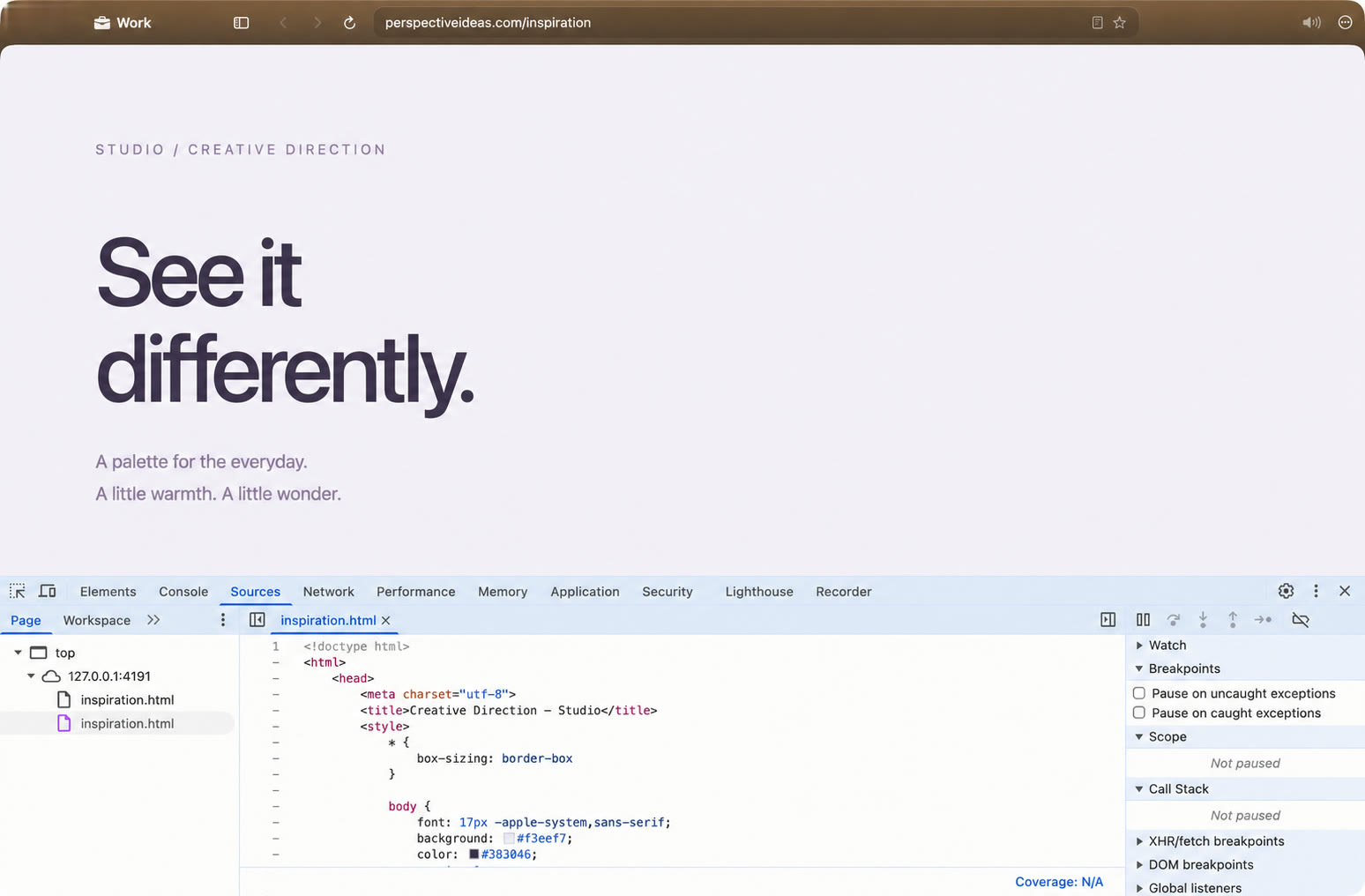
Inspect any page with the familiar Chrome DevTools frontend, connected to WebKit. ⌘⌥I
Vertical sidebar or horizontal strip. Pins, tab groups (named on-device when Apple Intelligence is available), temporary tabs, and inactive tabs that move to a per-Space archive with Undo. Reopen what you closed.
Idle background tabs release their web view and content process. They return with their history and scroll position, behind a snapshot that fades. Timing is adjustable; under memory pressure the oldest go first.
Apple Intelligence
Ask Page opens a conversation about the page you are on, answered by the on-device model. Ask in your language, even when the page is in another.
Needs a Mac with Apple Intelligence turned on. Without it, Thravik works the same and the button says why. Every answer says where it came from and reminds you that answers can be wrong. Ask Page stays off on sensitive sites such as banking.
Privacy, in specifics
Built around your day
Practical ways to find what you read, keep accounts apart and work across sources.
Coming from another browser?
Honest comparisons, with the tradeoffs and no benchmark claims.
No. Thravik is a native Swift app built on the WebKit engine that ships with macOS. It bundles no browser engine, so it is not a Chromium browser.
Memory keeps the text of pages you actually read, encrypted on your Mac, so you can later ask for a page in your own words and get an answer with its sources. It is off until you turn it on, never includes private or temporary tabs, and skips banking, health, webmail and password-manager sites.
Press ⌘K and type Remember… followed by what you recall, for example “remember what I read about tardigrades”. Thravik searches the pages Memory kept, on your Mac, and shows an answer with the pages it came from. It also works in Italian with Ricorda…
No. Ask Page (⇧⌘A) and the written Memory answers use Apple Intelligence’s on-device model on Macs that have it turned on. Without it, the browser works the same and Memory shows the matching pages.
Thravik is built for people who want a Mac-native browser with Spaces, Split View, a command bar and on-device Memory. Safari is a strong choice for Apple ecosystem integration, and Chromium browsers offer the widest extension compatibility. The guide to choosing a browser for Mac, and the comparisons with Chrome, Safari, Arc, Brave, Firefox and Dia, spell out the tradeoffs.
Yes. Each Space keeps its own tabs, pinned pages, colour, and its own cookies and logins, so you can stay signed in to different accounts in different Spaces.
Yes. Thravik imports bookmarks, history and saved passwords from local profiles of Chrome, Dia, Arc, Brave, Edge, Vivaldi and Comet, bookmarks and history from Safari and Firefox, and passwords from an exported CSV file. What is available depends on the source profile and macOS permissions.
Many can, through WebKit’s extension engine. Install from a Chrome Web Store link, a package or an unpacked folder. Extensions that use Chrome-only APIs may not work, so check the ones you depend on.
Thravik avoids a bundled engine and releases inactive web views. We don’t publish speed, battery or memory claims without reproducible benchmarks.
No. Thravik is a Mac app and requires macOS 26 or later.
It depends on the job. Safari fits Apple-device sync. Chrome, Edge and Brave fit a Chromium extension setup across platforms. Firefox fits an independent engine. Thravik fits a Mac-only workflow on system WebKit, with Spaces, Split View, a command bar and private Memory. The guide to choosing a browser for Mac walks through the tradeoffs.
Yes. Thravik uses the WebKit that ships with macOS, and adds Spaces, vertical or horizontal tabs, Split View, a ⌘K Command Bar and private on-device Memory. It is Mac-only and needs macOS 26 or later.
For many people, yes: import bookmarks, history and passwords from a local Chrome profile, then browse on system WebKit. Chrome remains the better fit if you need every Chrome Web Store extension or the same browser on Windows and phones. See Thravik vs Chrome for the details.
Try Thravik.
Download for MacmacOS 26 or later