Browser workspaces for Mac.
Give work, personal browsing and research their own Spaces, with separate cookies and logins. Keep a task’s pages together without mixing website accounts.
Download Thravik for MacmacOS 26 or later · A guide from the Thravik team
Two accounts on one website, without signing out.
A work account and a personal account often use the same website. Putting their tabs into two groups keeps the sidebar tidy, but a tab group alone does not necessarily separate their login sessions. Thravik’s Spaces keep their own cookies and logins as well as their own tabs and pinned pages.
Use a Work Space for one account and a Personal Space for another. The website can keep each session in its own Space. This is useful for work and personal email, separate project dashboards or testing a site with two accounts you control.
Build a workspace around a task.
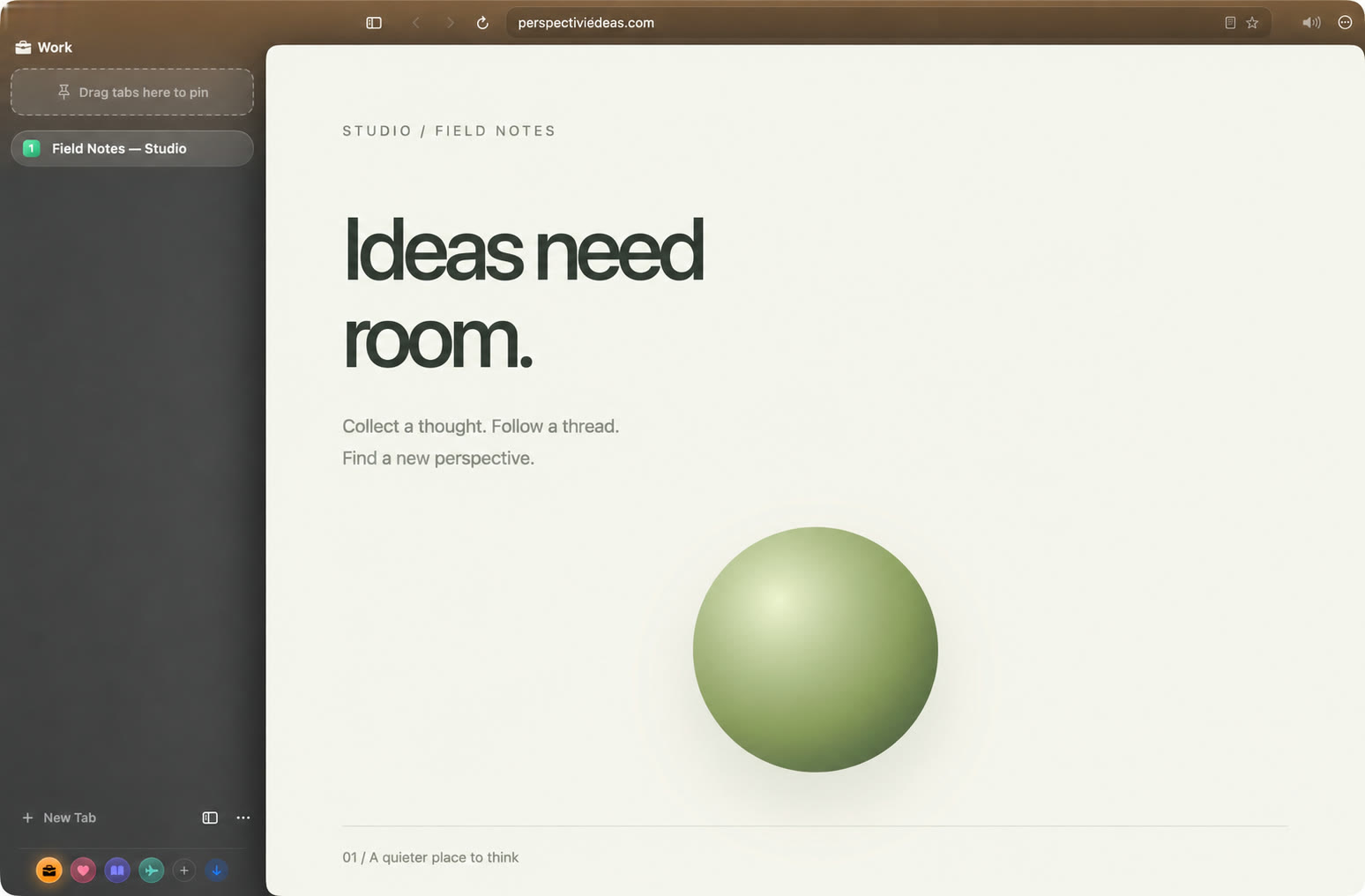
- Choose a Space. Work, Personal, Research and Travel are the starter Spaces. You can create your own.
- Give it a recognisable colour and icon. Visual cues make it easier to notice which account context you are using.
- Open the websites for that task. Sign in to the account you want to use in that Space. Pin pages you return to regularly.
- Switch to another Space for another context. Keep its tabs and website sessions separate rather than repeatedly signing out.
A Research Space could hold source articles and a writing tool. A Work Space could hold a project board and documentation. Use Split View when two of those pages need to stay visible together.
Spaces, tab groups and Mac desktops.
| Tool | Organises | Use it for |
|---|---|---|
| A Thravik Space | Browser tabs, pinned pages, colour, cookies and logins | A separate task or website account context. |
| Tab groups | Related tabs within a browsing workflow | Keeping a collection of pages easy to scan. |
| macOS Spaces | App windows across desktops | Organising browser windows alongside other Mac apps. |
Browser Spaces do not create separate macOS users or fully isolated vaults. Thravik’s history and passwords are shared across the browser. Separate cookies also do not make your connection anonymous.
Apple’s guide to macOS Spaces explains the desktop feature, which you can use alongside browser workspaces.
Coming from an Arc sidebar workflow?
If you organise browsing around Spaces and a command bar, Thravik offers a familiar kind of workflow on system WebKit. The engine change still matters: check the extensions and websites you depend on before moving your daily work.
Read Thravik vs Arc for the comparison and vertical tabs on Mac for sidebar layouts. If you also need a browser on Windows or a phone, account for that requirement before choosing a Mac-only app.
Explore the details.
Your Mac deserves
a little breathing room.
Download Thravik for MacmacOS 26 or later · Release details and installation on GitHub