Find that page you read before.
Private browser Memory for the moment you remember an idea, but not where you read it. Search eligible pages on your Mac, in your own words.
Download Thravik for MacmacOS 26 or later · A guide from the Thravik team
Find a page when you remember the idea, not the URL.
You read an article during research, close the tab, then need one detail days later. History is useful when you remember a title or website. A bookmark works when you saved the page. Thravik’s Private Memory gives you another route: describe the topic in your own words and search the text of eligible pages you actually read.
Try a query such as “remember what I read about tardigrades”. Memory can show matching pages and, when Apple Intelligence is available, an answer with its sources. Open the original page to check the context.
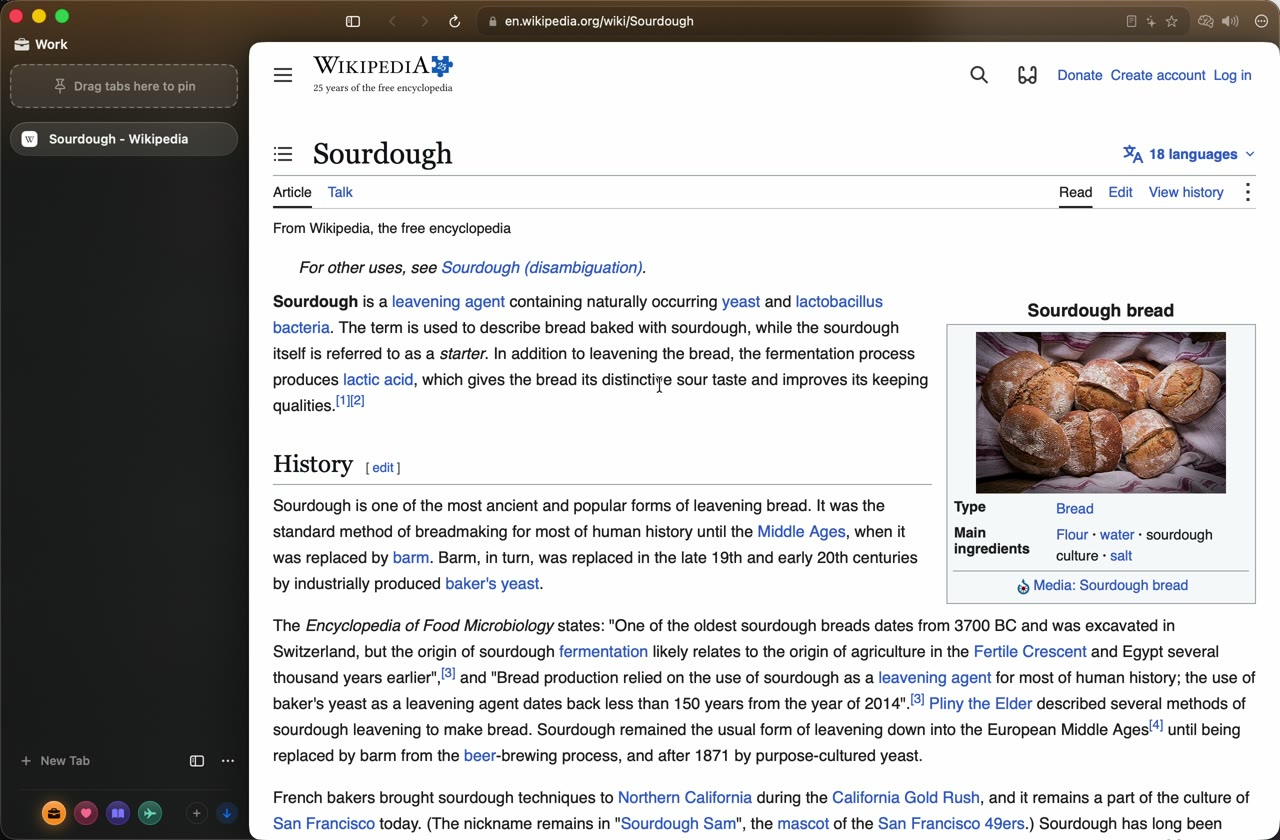
How to use Private Memory.
- Enable Memory deliberately. It starts off. Review its explanation and exclusions before turning it on.
- Read a page in an ordinary tab. A page counts after about ten seconds on screen, or a few seconds with scrolling. Opening a tab briefly does not make it a useful memory.
- Press ⌘K and type
Remember…. Follow with the topic, detail or idea you recall. Italian queries can start withRicorda…. - Check the matching pages. When a written answer is available, use its sources to verify the result before relying on it.
Memory cannot recover text it never captured. Pages read before you enabled it, excluded pages and pages outside your retention period may not appear.
History, Memory or Ask Page?
| Your task | Use | Why |
|---|---|---|
| You remember the website or title | Browsing history or the Command Bar | Look up a known destination without keeping page text in Memory. |
| You remember an idea from something you read | Private Memory | Search eligible captured page text in your own words. |
| You want an answer about the current page | Ask Page, ⇧⌘A | A conversation about the open page, using Apple’s on-device model when available. |
| You know you will need a page later | Bookmarks or pinned tabs | Keep a direct route to a page you choose to save. |
What “private” means for Memory.
Captured page text is encrypted on your Mac with AES-256-GCM. Its key is device-only and is not synced. Private and temporary tabs are excluded, as are pages with password fields. The default exclusion categories include banking, health, webmail and password-manager sites.
Default retention is 90 days. Settings let you change retention, pause capture, exclude more sites, inspect saved pages and delete them. Read the privacy controls and their boundaries before enabling capture.
Does it work without Apple Intelligence?
The browser works without it. Memory returns matching pages when the model is unavailable; written Memory answers and Ask Page need Apple Intelligence’s on-device model to be available. These features are not a promise of error-free answers.
Why is a page missing?
Check whether Memory was enabled and unpaused when you read it, whether the site was excluded, and whether retention has expired. A page from a private tab is intentionally absent.
For research across several open sources, see Split View on Mac. To keep research separate from daily work, use browser workspaces.
Explore the details.

Your Mac deserves
a little breathing room.
Download Thravik for MacmacOS 26 or later · Release details and installation on GitHub