ALL ALTERNATIVES / SAFARIThravik vs Safari.
A Safari alternative with a different sense of space.
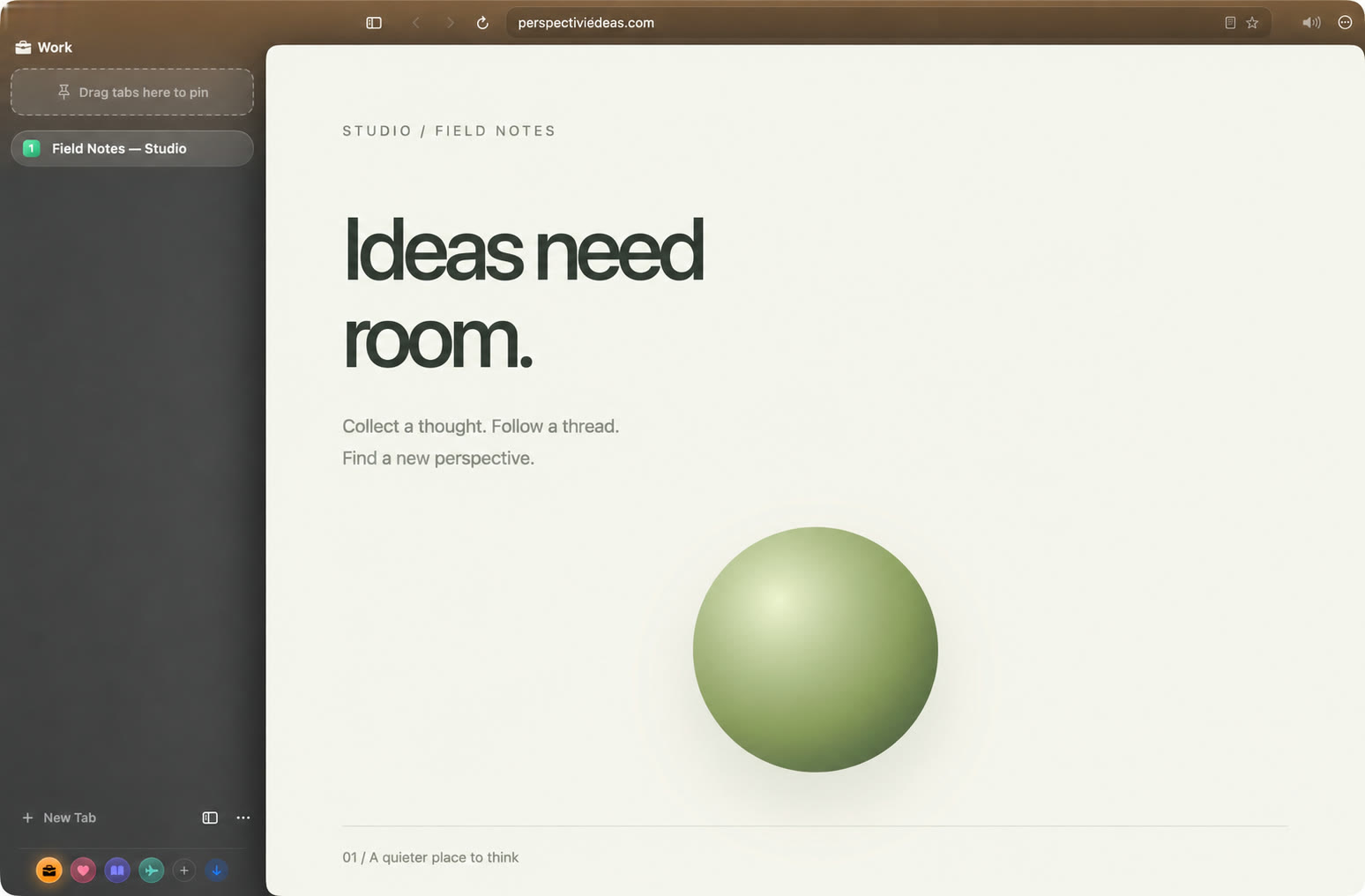
Choose Thravik when you want WebKit with a different workflow: vertical or horizontal tabs, Spaces, configurable hibernation, and a floating authenticator code button.
Try Thravik for MacBrowser foundations and workflow| What matters | Thravik | Safari |
|---|
| Browser engine | System WebKit | WebKit |
|---|
| Primary approach | Native Mac browsing, Spaces, flexible tabs | Apple ecosystem browsing |
|---|
| Tab layouts | Vertical or horizontal tabs, pinned tabs and groups | Tab bar and sidebar Tab Groups |
|---|
| Side-by-side work | Up to 4 pages, resizable horizontal or vertical panes | Arrange Safari windows with macOS window tiling |
|---|
| Separate workspaces | Spaces with separate cookies and logins | Profiles with separate cookies, history and extensions |
|---|
| Make it yours | Space color, hue, vividness, grain, glow and icons | Start page backgrounds and toolbar customization |
|---|
| Focus controls | Focus Mode; hide sidebar, navigation and tab bars | Reader and full screen |
|---|
| Inactive tabs | Hibernation restores scroll and history, with a fading snapshot | WebKit-based resource management |
|---|
| Privacy tools | Per-site tracker blocking, link cleanup, cookie banner rejection, and Forget site | Intelligent Tracking Prevention and content-blocker extensions |
|---|
| Passwords and codes | Keychain-backed passwords, built-in TOTP and Google Authenticator import | Apple Passwords and verification code autofill |
|---|
| Developer tools | Chrome DevTools frontend inspecting system WebKit pages | Safari Web Inspector |
|---|
| Extensions | Store links, packages or folders through WebKit; API compatibility varies | Safari extensions from the App Store |
|---|
Sources: Safari features. Reviewed October 3, 2026. Features vary by version and configuration.
WHY THRAVIKMore built in.
More room to work.
- Up to 4 live pages in one resizable Split View.
- Spaces with separate logins and custom color, grain and glow.
- Ad blocking, tracker blocking and cookie banner rejection built in.
- A native Swift interface with real glass controls.
- System WebKit, without bundling Chromium.
- Spaces plus vertical or horizontal tabs.
- Hibernation that keeps your place, then fades the snapshot away.
- Passwords and authenticator seeds in macOS Keychain.
- Local imports from supported browser profiles.
WHEN SAFARI FITSKeep what works
for you.
Safari is a strong choice for Apple ecosystem integration and browsing across Apple devices. Thravik is focused on a dedicated Mac workflow.
Thravik currently targets macOS 26+. WebKit does not guarantee Chrome extension compatibility. Check the sites and tools you depend on before moving your daily workflow.
Apple Safari overviewComparison reviewed October 3, 2026. No speed or battery superiority is claimed.
Bring your bookmarks.
Keep your momentum.
Thravik reads supported local profiles to import history, bookmarks, and saved passwords. Review the import options in the app; availability depends on your source browser.
Your Mac deserves
a little breathing room.
Get Thravik for MacmacOS 26 or later · Release details and installation on GitHub